
Why Wireless Fingerprint Mice Use 2.4G Instead of Bluetooth
Wireless fingerprint mice, as products that combine biometric security with convenient operation, are increasingly favored by users. However, many consumers may wonder: Why do these mice typically use 2.4G wireless connectivity instead of the more common Bluetooth method? This article will delve into this question, explaining the underlying technical principles in simple, easy-to-understand language to help you make a more informed choice. Whether you’re an everyday user or a tech enthusiast, by the end of this article, you’ll understand why 2.4G technology dominates wireless fingerprint mice and learn how to select the right product based on your needs.
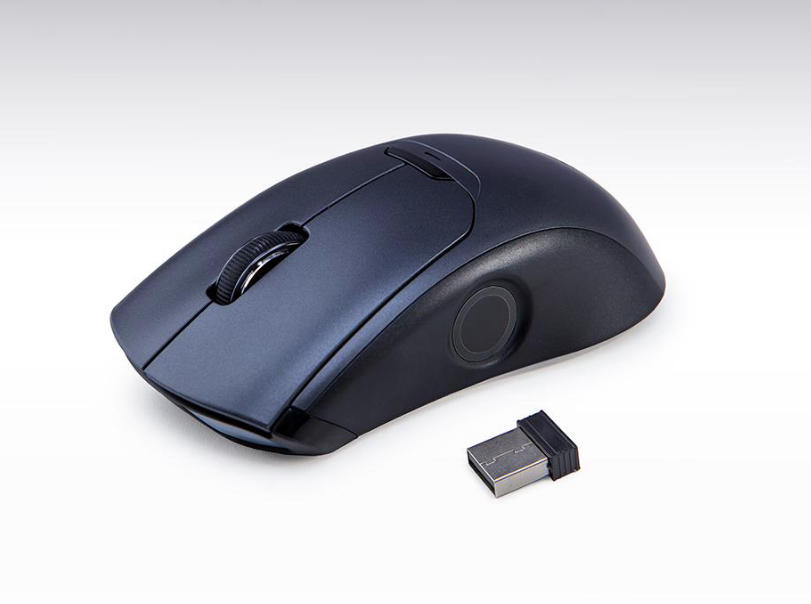
Keywords and Concepts: Wireless fingerprint mouse, 2.4G technology, Bluetooth connectivity, biometric security, wireless connection, latency issues, power consumption comparison, compatibility
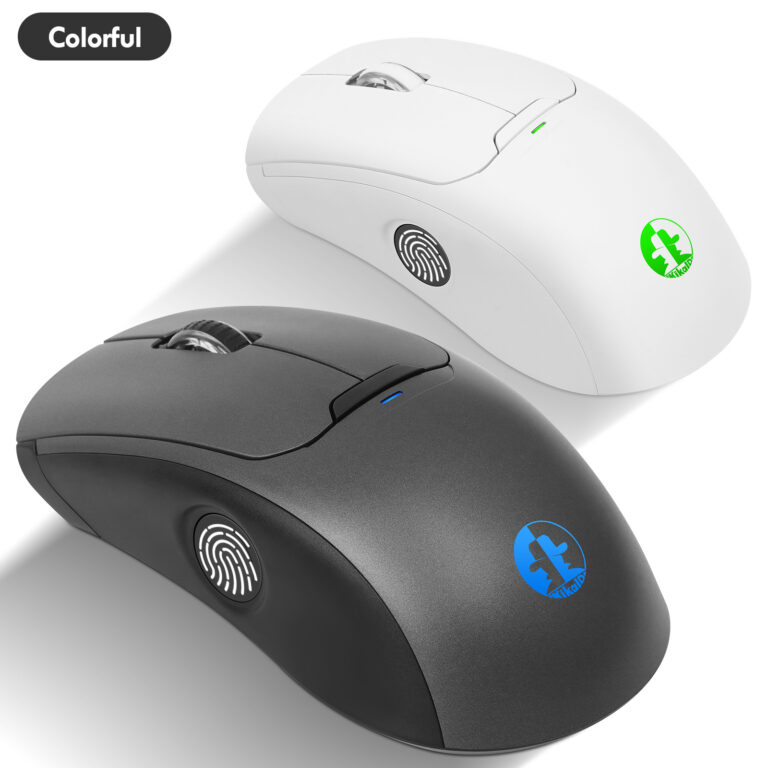
First, let’s clarify the basic concepts. A wireless fingerprint mouse is a mouse with integrated fingerprint recognition that connects wirelessly (via 2.4G or Bluetooth) to a computer or other device. 2.4G refers to a proprietary wireless technology operating on the 2.4GHz frequency band, typically requiring a USB receiver (commonly called a “dongle”) for device pairing. Bluetooth, on the other hand, is a standard based on short-range wireless communication that allows devices to pair directly without additional hardware. Although Bluetooth is widely used in smartphones, headphones, and similar devices, 2.4G technology is often preferred in the realm of wireless fingerprint mice. Below, we analyze the reasons from multiple perspectives.
- Latency and Response Speed: The Advantages of 2.4G Technology
For peripherals like mice that demand real-time responsiveness, latency (the time between moving the mouse and the cursor reacting on screen) is a critical factor. 2.4G wireless technology typically delivers lower latency and faster response times. This is because 2.4G connections utilize proprietary protocols that optimize data transmission paths and minimize interference. In contrast, while Bluetooth offers convenience, it can introduce more latency when handling high-frequency data, especially in multi-device environments. Imagine performing precise tasks like graphic design or gaming with a wireless fingerprint mouse when sudden lag occurs—it’s as frustrating as driving with faulty brakes. 2.4G technology ensures signal stability through dedicated channels, delivering seamless, uninterrupted operation. - Power Consumption and Battery Life: Why 2.4G is More Efficient
Wireless fingerprint mice typically rely on battery power, making power consumption critical. 2.4G technology often excels in power management because it can be optimized for the mouse’s specific needs. While Bluetooth is known for low power consumption, Bluetooth devices require frequent “handshake” communications with the host device during actual use, which consumes more battery power. Simply put, 2.4G is like a direct highway, while Bluetooth resembles a winding path with multiple junctions, prone to detours that waste energy. For users prioritizing battery life, choosing a 2.4G wireless fingerprint mouse means extended usage time and fewer battery replacements. - Security and Biometric Integration: 2.4G’s Proprietary Protection
A core feature of wireless fingerprint mice is biometric security—verifying user identity via fingerprints. 2.4G technology holds an advantage here, enabling manufacturers to implement proprietary encryption protocols that prevent data theft or interference. While Bluetooth also incorporates security measures, as a universal standard, it may be more vulnerable to hacking, particularly on public networks. Think of it this way: a 2.4G connection is like a custom lock where only you possess the key, whereas Bluetooth resembles a universal lock that more people might attempt to open. For users handling sensitive information—such as corporate employees or privacy-conscious individuals—the 2.4G wireless fingerprint mouse offers more reliable security assurance. - Compatibility and Usability: The Plug-and-Play Experience of 2.4G
Another crucial factor is compatibility. 2.4G wireless fingerprint mice typically use plug-and-play USB receivers, making them compatible with nearly all devices featuring USB ports, including older computers and gaming consoles. Bluetooth, however, may require devices to support specific versions (like Bluetooth 4.0 or 5.0), and the pairing process can sometimes be complex, especially when switching between multiple devices. For instance, if you frequently use the mouse across different devices, the 2.4G connection is as simple as turning on a TV remote, while Bluetooth may require repeated setup. This ease of use makes 2.4G technology more popular in wireless fingerprint mice, particularly for users without a technical background. - Interference and Stability: Why is 2.4G More Reliable in Crowded Environments?
In home or office settings, wireless signals can be disrupted by other devices like Wi-Fi routers, microwaves, or other Bluetooth devices. 2.4G technology mitigates this interference through frequency hopping, ensuring a stable connection. While Bluetooth also attempts to avoid interference, its performance may degrade in high-density wireless networks. Imagine the frustration if your wireless fingerprint mouse disconnects at a critical moment—as awkward as your phone suddenly dying during an important meeting. The stability of 2.4G makes it a reliable choice, especially in multitasking scenarios.
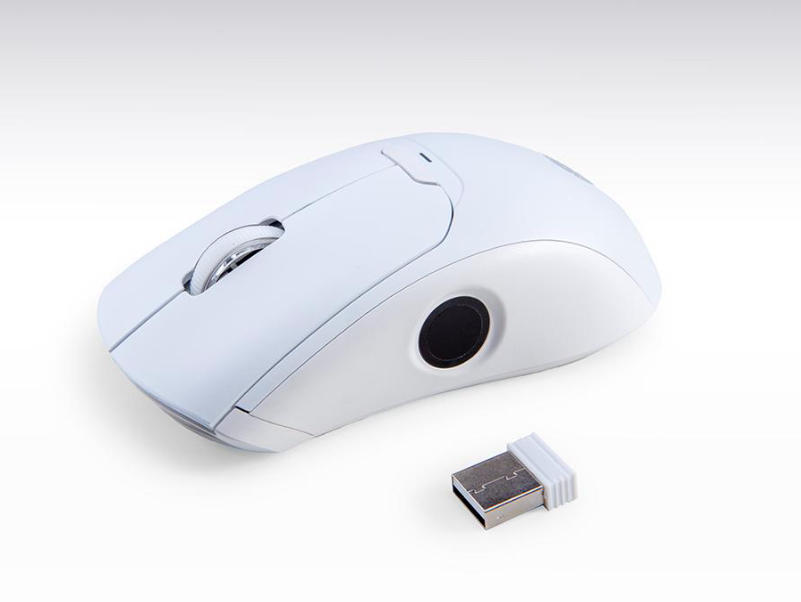
The Wisdom of Choosing a 2.4G Wireless Fingerprint Mouse
In summary, wireless fingerprint mice prioritize 2.4G technology over Bluetooth due to its superior performance in latency, power consumption, security, compatibility, and stability. While Bluetooth offers convenience in certain scenarios (like mobile device connectivity), 2.4G wireless fingerprint mice are undoubtedly the wiser choice for users prioritizing performance and security. If you’re seeking an efficient, reliable wireless fingerprint mouse, explore our product line—engineered for modern demands with cutting-edge biometric technology and optimized wireless connectivity.
We hope this article clarifies the technical considerations behind wireless fingerprint mouse technology. For further inquiries or details, visit our website or contact customer support. Remember: choosing the right wireless connection makes your digital life safer and smoother!
If your company requires custom wireless 2.4G fingerprint mice, please contact us at hndxzlp@gmail.com



сервисный центр бош сервисный центр bosch москва
Здравствуйте, если у вас есть какие-либо требования к продуктам для снятия отпечатков пальцев, пожалуйста, свяжитесь со мной по адресу hndxzlp@gmail.com.