Quickly log in to the Windows system using the Kikaid fingerprint reader
In daily office work or study, we often need to log in to the Windows system frequently. While entering complex passwords is certainly secure, the process can feel cumbersome. Sometimes mistyping a single character means starting over, which many find both time-consuming and inefficient. With the advancement of biometric technology, there’s now a more convenient option—using the Kikaid fingerprint reader for quick Windows login.
Why choose fingerprint login for Windows?
Compared to traditional passwords, fingerprint recognition offers several distinct advantages:
▷Speed: A single touch completes authentication in just 1 second.
▷Enhanced Security: Fingerprints are unique, making them far harder to crack than simple passwords.
▷No Memorization: No more worrying about forgotten passwords or writing them down on sticky notes to avoid leaks.
▷User-Friendly Experience: Fingerprint recognition is supported by most Windows systems, requiring no complex setup.
These features make fingerprint login an ideal choice for modern office and home computer users.
Key Features of the Kikaid Fingerprint Reader
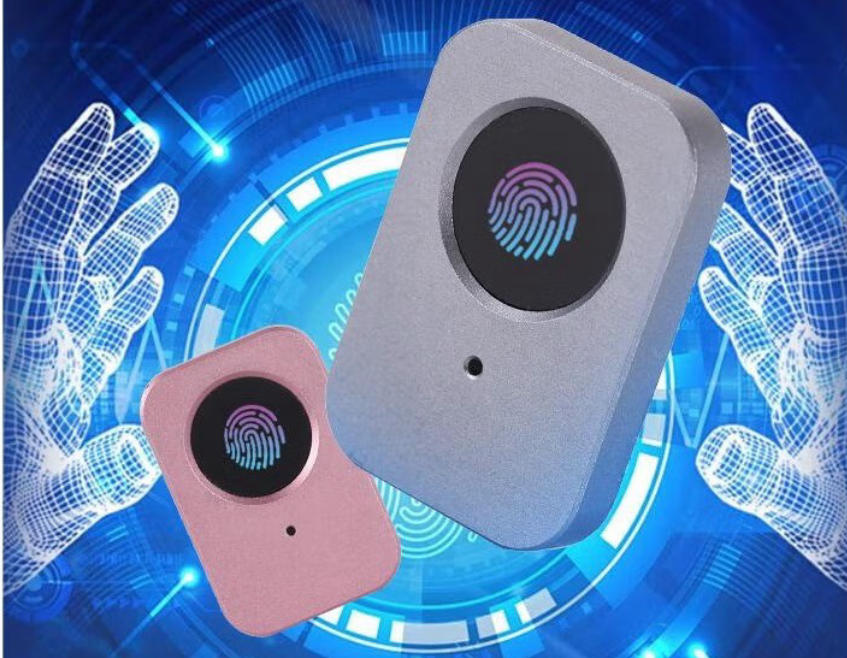
While many fingerprint devices exist, the Kikaid Fingerprint Reader stands out with its stable performance and sleek design. Its main advantages include:
▷Plug-and-Play: Connects directly to your computer via USB; Windows automatically detects and installs drivers.
▷Strong Compatibility: Supports Windows Hello login for both Windows 10 and Windows 11 systems.
▷Rapid Response: Built-in high-sensitivity sensor quickly recognizes fingerprints even with slight moisture or dryness.
▷Compact and Portable: Lightweight design saves desk space and is easy to carry.
▷Secure Encryption: Fingerprint data remains encrypted locally during recognition, never uploaded online, ensuring information security.
For those frequently switching between work and home computers, the Kikaid Fingerprint Reader is undoubtedly an efficiency booster.
How to set up Kikaid fingerprint reader for Windows login?
The process is straightforward, requiring just a few steps:
▷Plug in the device: Connect the Kikaid fingerprint reader to your computer’s USB port.
▷Access settings: Click the “Start” menu in the bottom-left corner of Windows and navigate to “Settings.”
▷Account options: Locate “Accounts” and select “Sign-in options.”
▷Enable Windows Hello: Under “Fingerprint,” click “Set up” and follow the prompts to enroll your fingerprints.
▷Complete setup: Once enrolled, you can use your fingerprint to unlock your computer and log into your account.
The entire process typically takes less than 5 minutes and is easy for new users to complete.
Who benefits from using the Kikaid fingerprint reader?
▷Office workers: Frequently powering on/off computers, saving time on password entry.
▷Students: Enhance efficiency during online classes and thesis writing by quickly accessing your computer environment.
▷Remote workers: Balance productivity and security while working from home.
▷Privacy-conscious users: Eliminate concerns about password snooping or leaks—fingerprint recognition offers greater reliability.
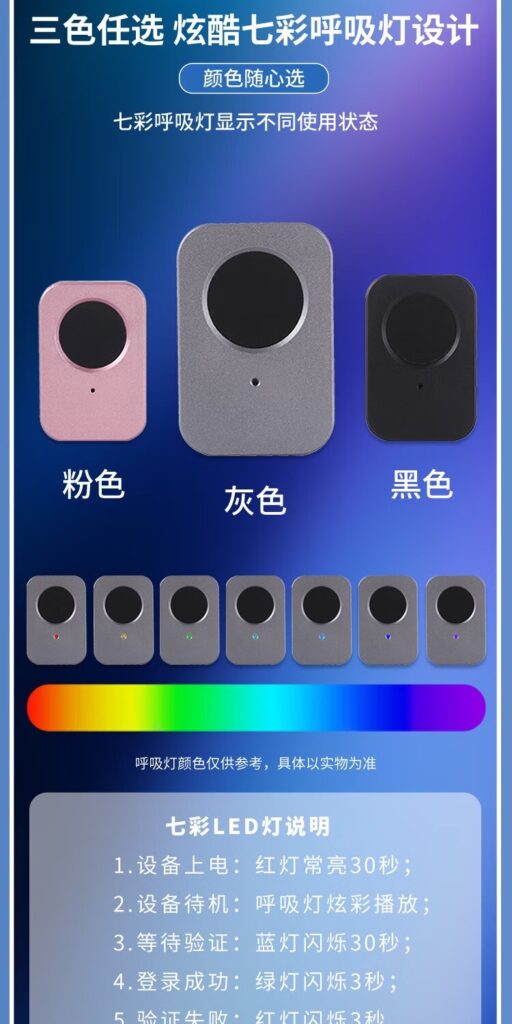
Kikaid Fingerprint Reader Combined with Wireless Fingerprint Mouse
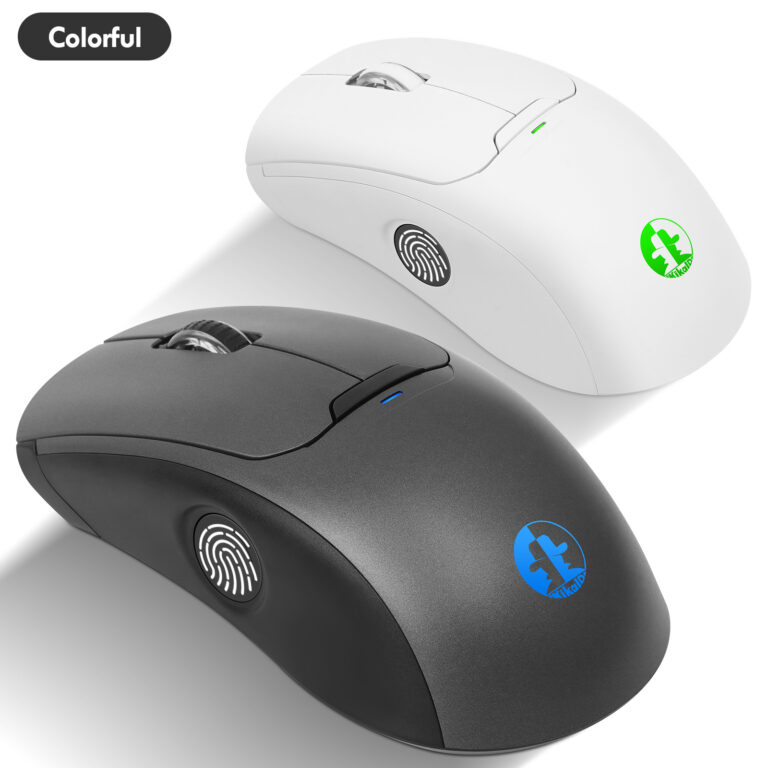
Beyond standalone fingerprint readers, many are now exploring wireless fingerprint mice. These devices integrate mouse functionality with fingerprint recognition, offering both convenience and rapid login. For users with limited desktop space, this is an exceptionally practical solution. Kikaid has also launched products in this category, providing users with additional options.
Note
If you’re using Windows 10 or earlier versions, pirated Windows, or wish to enable fingerprint login for Administrator accounts, you’ll need to download the Kikaid software to achieve this effortlessly.
As awareness of information security grows, more people are moving away from traditional passwords toward more efficient biometric methods. The Kikaid fingerprint reader not only speeds up Windows login but also safeguards user privacy. Whether you’re an office professional, college student, or remote worker, it delivers a more effortless and secure experience.
If you’re ready to ditch cumbersome password logins, consider purchasing a Kikaid fingerprint reader to let technology truly serve your life. If you prefer not to have an additional fingerprint reader on your office desk, our wireless fingerprint mouse achieves the same functionality. We can also customize wireless fingerprint mouse production to meet your specific requirements. Please contact us hndxzlp@gmail.com