Best Ergonomic Wireless Fingerprint Mouse for Office Productivity
Do you experience wrist pain or stiff fingers after spending hours at your computer each day? If you use a standard mouse, it might be the culprit. Traditional mouse designs often overlook natural human posture, leading to health issues with prolonged use. But here’s the good news: mice combining ergonomic design with wireless fingerprint recognition technology are changing the game. This article will explore why this product is not just a tool, but a smart investment in your health and efficiency. We’ll cover how it works, its core advantages, and how to choose the right model for you—all explained in simple English so non-native Chinese speakers can easily understand.
Part One: What is an Ergonomic Wireless Fingerprint Mouse? Simply put, what is it?
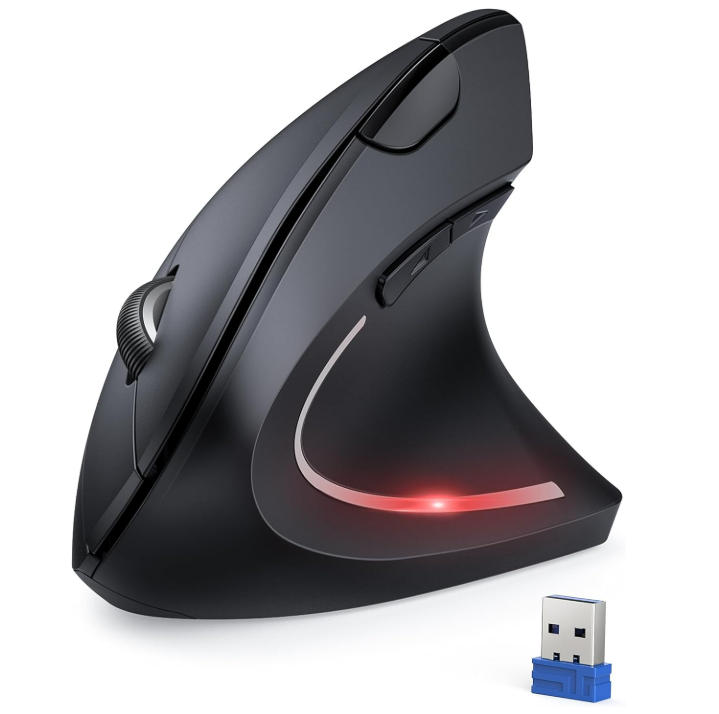
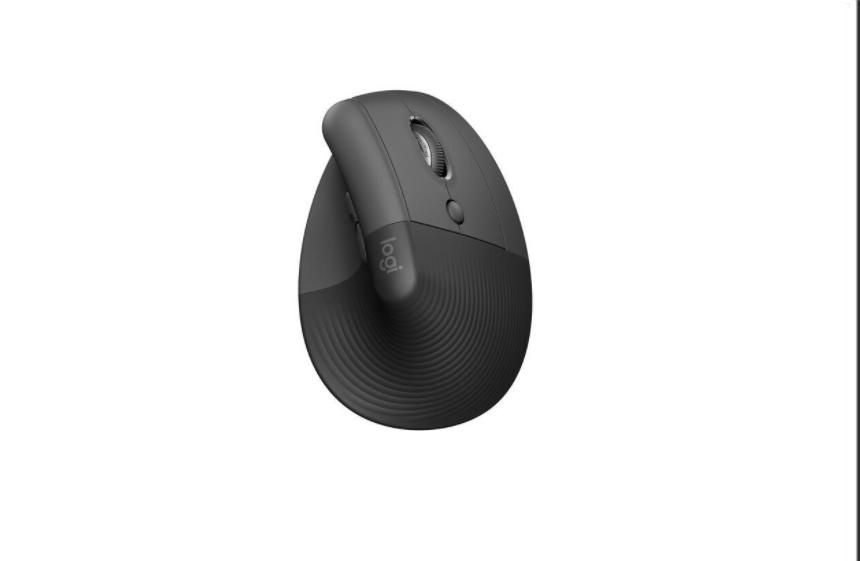
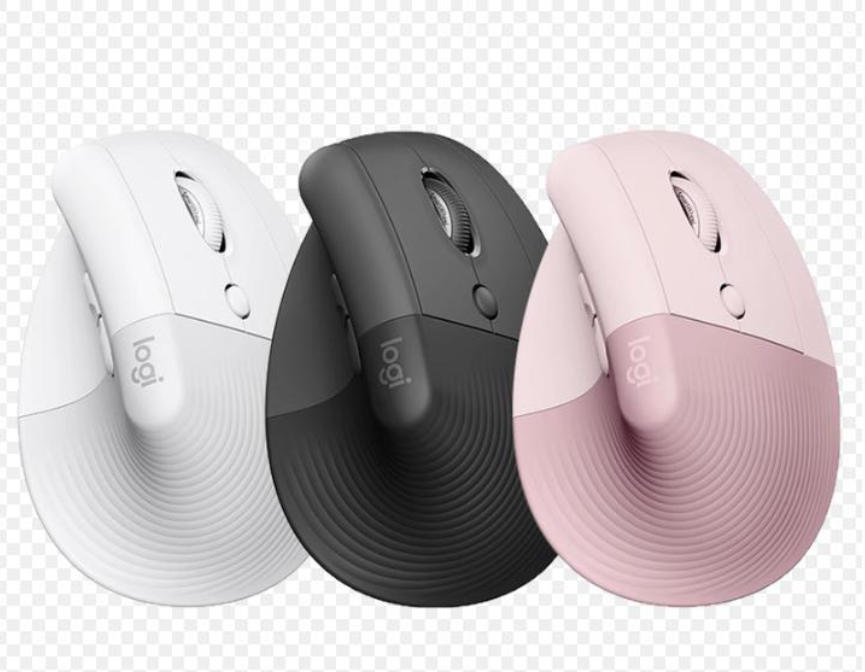
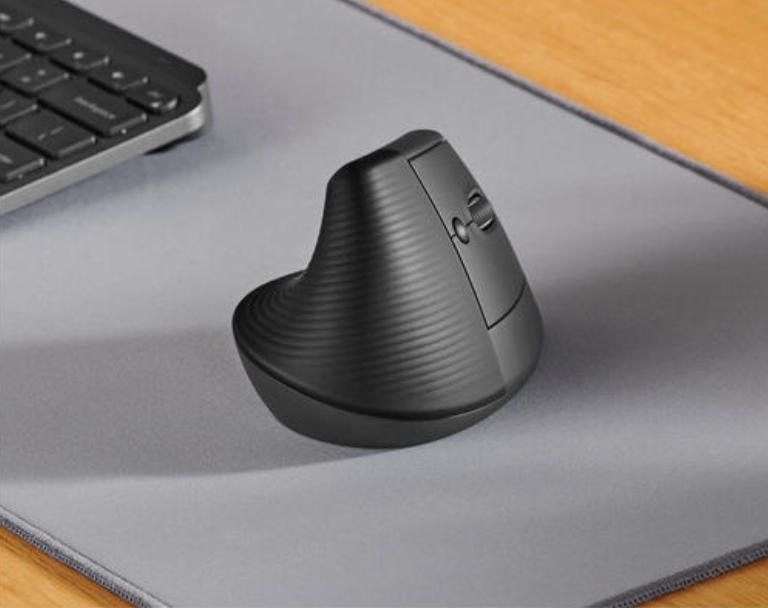
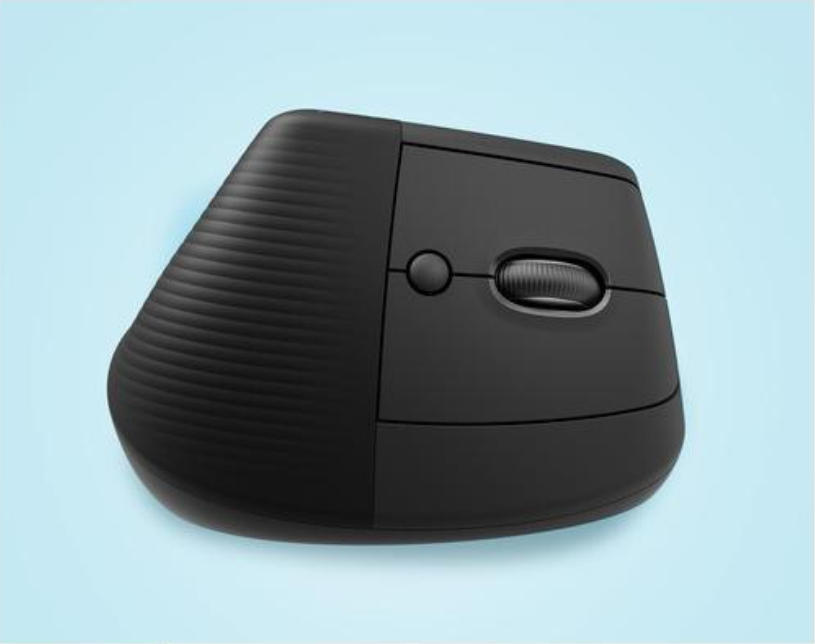
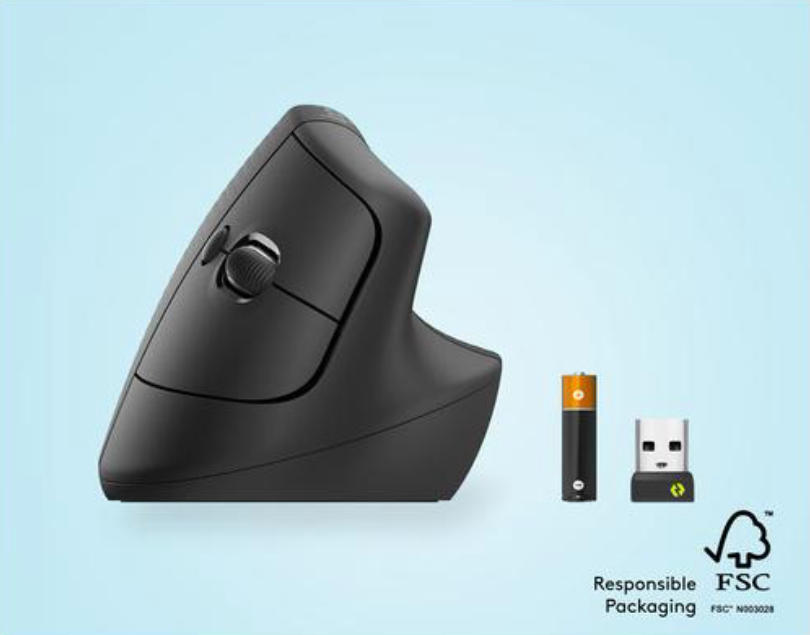
Ergonomics is the science of designing tools to fit the human body’s natural form, reducing fatigue and injury. The wireless fingerprint mouse combines this principle with convenient wireless connectivity (like Bluetooth or 2.4GHz USB) and fingerprint recognition security. Imagine: a mouse shaped like a relaxed hand, eliminating the need to hunch or twist your wrist, while logging into your computer or encrypting files with just a light press of your fingerprint. This not only enhances comfort but also boosts security. For example, our flagship model features a tilted design and soft rubber grips to help maintain a neutral wrist position, preventing common carpal tunnel syndrome.
Part Two: Why Do You Need This Mouse? Five Core Advantages Explained
Health Protection: Reducing Repetitive Strain Injury (RSI)
Prolonged use of standard mice can cause pain in the wrists, arms, and even shoulders. Ergonomic mice minimize this risk by supporting the palm and reducing pressure points. Studies show proper ergonomic devices reduce musculoskeletal issues by 30%. If you spend over 4 hours daily at your computer, this isn’t a luxury—it’s a necessity.
Convenience & Security: One-Touch Fingerprint Login
Forgot your password? No problem. The fingerprint sensor grants instant system access without complex password memorization. This proves especially valuable for multitasking or remote work—boosting efficiency while securing your data. Our mouse supports multiple fingerprint storage, ideal for family or team sharing.
Wireless Freedom: Say Goodbye to Tangled Cables
Wireless technology keeps your desk tidier and reduces tripping hazards. Modern wireless mice offer long battery life and stable connections. Enjoy a seamless experience whether in the office or a café.
Efficient Productivity: Ergonomic Click Feel
Buttons feature a softer, lighter press that reduces clicking force, minimizing finger fatigue. With customizable buttons, you can program frequently used functions like copy/paste to save time.
Versatility: Suitable for Left-Handed Users and Different Hand Shapes
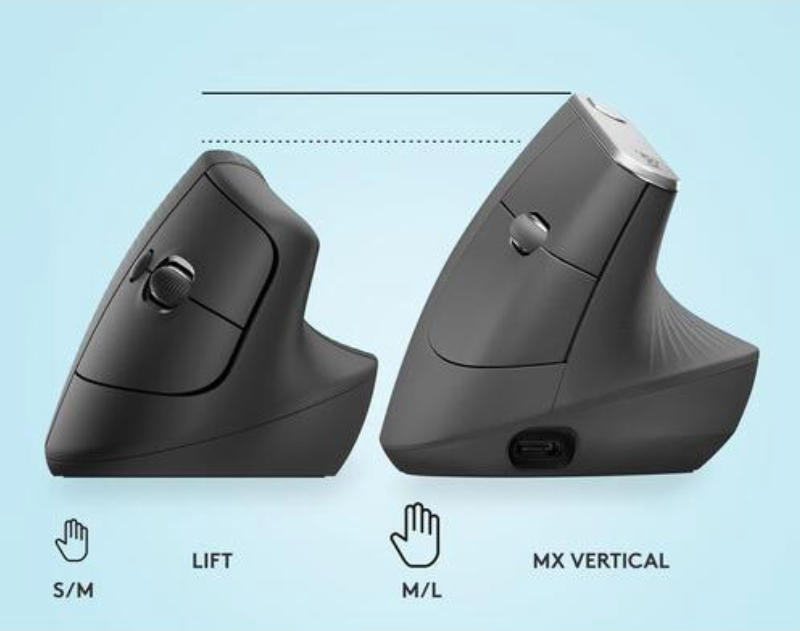
Many models offer adjustable sizes and symmetrical designs, ensuring everyone can find a comfortable grip. This highlights the importance of inclusive design.
Part Three: How to Choose the Right Ergonomic Wireless Fingerprint Mouse for You? A Professional Buying Guide
Not all mice are created equal. Consider these factors:
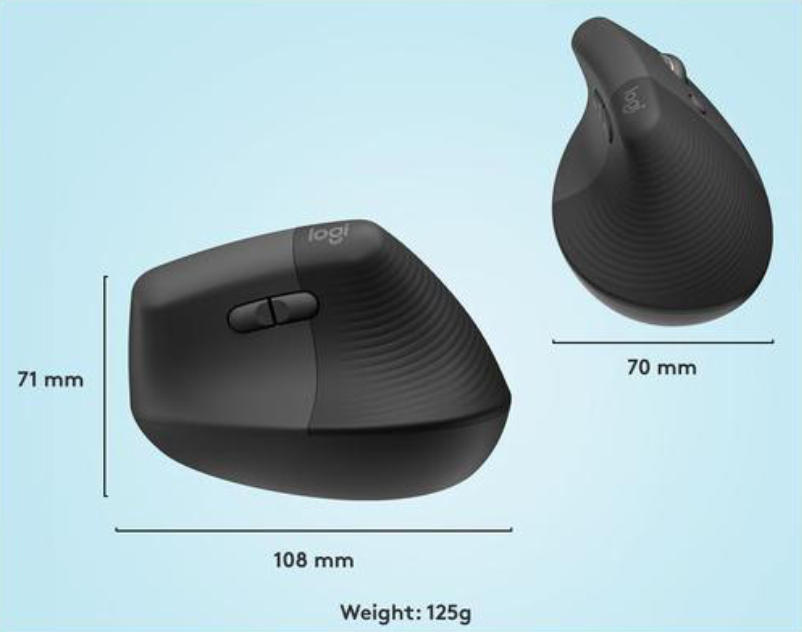
Hand Type Match: Measure your hand length and grip style (e.g., palm grip or fingertip grip). Our website provides size charts to help you select.
Connection Type: Bluetooth suits multi-device switching, while USB receivers offer more stable connectivity. Decide based on your device compatibility.
Fingerprint Recognition Accuracy: Look for high-DPI (dots per inch) sensors to ensure fast, precise identification. Our product tests show over 99% recognition rates.
Battery Life: Choose low-power models to avoid frequent recharging.
User Reviews: Check authentic user feedback for long-term durability. For example, many users report significant relief from wrist pain after using our mice.
Part Four: Frequently Asked Questions (FAQ)
Q: Is fingerprint data secure?
A: Yes. Data is stored locally and never uploaded to the cloud, meeting privacy standards.
Q: Will wireless mice experience lag?
A: Modern technology has virtually eliminated lag, making them suitable for daily office work and light gaming.
Q: How do I clean the fingerprint sensor?
A: Gently wipe with a soft cloth. Avoid using chemical agents.
Upgrade Now to Enhance Your Work and Life Quality
In the digital age, investing in a premium ergonomic wireless fingerprint mouse is an act of self-care. It not only alleviates physical discomfort but also boosts efficiency through smart features. For more information about wireless fingerprint mice, contact us at: hndxzlp@gmail.com