How to Design Sleep Mode for Wireless Fingerprint Mice
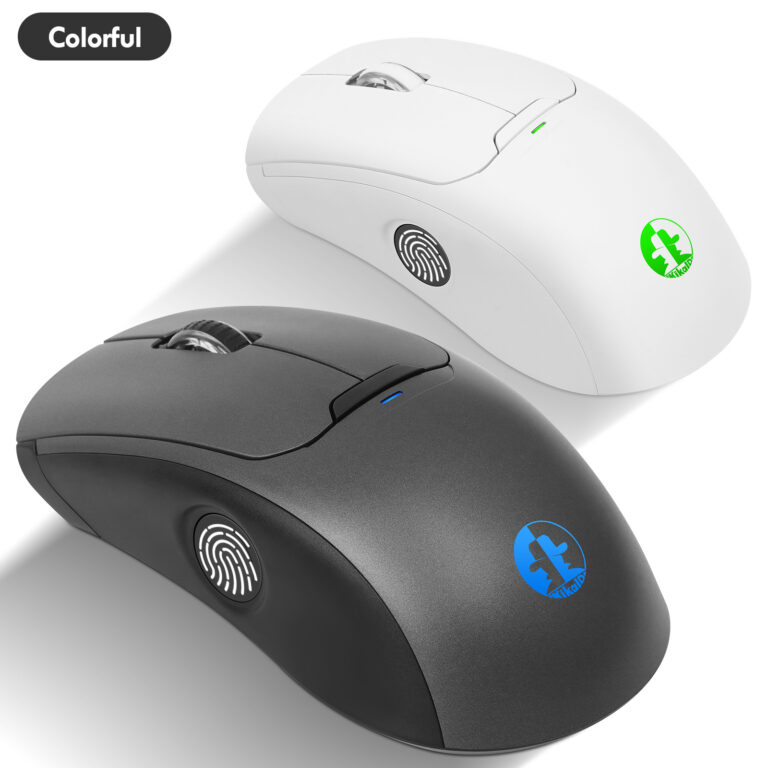
In the realm of wireless peripherals, the wireless fingerprint mouse stands as an innovative product that seamlessly blends the convenience of wireless technology with the security of biometric authentication. However, battery life remains a key concern for users of wireless devices. An excellent sleep mode design not only extends the battery life of wireless fingerprint mice but also ensures a smooth user experience. Today, we delve into designing an efficient sleep mode system for wireless fingerprint mice, focusing on the intelligent mechanisms of “1-minute shallow sleep” and “5-minute deep sleep.”
Why Do Wireless Fingerprint Mice Need Smart Sleep Modes?
Wireless fingerprint mice rely on battery power, and continuous operation drains energy rapidly. This is akin to a lamp left on constantly—convenient, yet rapidly depleting energy. By implementing smart sleep modes, wireless fingerprint mice can automatically enter low-power states during inactivity, significantly extending operational time. Additionally, as devices integrating fingerprint recognition modules, sleep modes must also support secure wake-up to ensure instant readiness and protect user data.
1-Minute Shallow Sleep: Instant Wake-Up, Seamless Continuity
After 1 minute of inactivity, the wireless fingerprint mouse automatically enters shallow sleep mode. In this state, primary functions pause while the sensor maintains low-power monitoring. A slight mouse movement instantly reactivates the device, restoring full functionality.
Design Highlights:
1. Low-Power Sensor Standby: Utilizes a high-performance microcontroller (MCU) to maintain only essential motion detection circuits during sleep. The mouse’s RF module (e.g., 2.4GHz or Bluetooth) enters standby mode to minimize energy consumption.
2. Rapid Response Mechanism: Movement detection sensitivity is meticulously calibrated to prevent false triggers or response delays. This ensures the wireless fingerprint mouse’s wake-up process flows seamlessly, with users scarcely noticing the sleep interval.
3. User Experience Priority: Shallow sleep is ideal for brief pauses—such as during reference checks or thought breaks—enabling the wireless fingerprint mouse to remain “on-call” and responsive while conserving energy.
5-Minute Deep Sleep: Secure Wake-Up, Efficient Power Saving
If the wireless fingerprint mouse remains idle for 5 minutes, it automatically enters deep sleep mode. During this phase, power consumption drops to minimal levels, with all components—including the fingerprint recognition module—entering sleep state. Wake-up is designed via “mouse button click,” balancing energy efficiency with security requirements.
Design Highlights:
1. Button-Wake Mechanism: Only clicking a button (left, right, or scroll wheel) triggers system restart from deep sleep. This prevents accidental wake-ups from unintended movement, further conserving power. The fingerprint sensor rapidly initializes post-wake to ensure efficient authentication.
2. Tiered Power Management: The MCU controls independent power-down for each module. Components like the wireless chip, optical engine, and fingerprint recognition unit wake up only when needed. This design reduces the wireless fingerprint mouse’s power consumption to less than 1% of its active state during deep sleep.
3. Security and Convenience Balance: After click-to-wake, the wireless fingerprint mouse immediately restores its connection, with fingerprint recognition functionality ready simultaneously. Users can resume secure operations without repeated logins, showcasing the biometric advantages of wireless fingerprint mice.
Key Technologies for Optimized Sleep Mode
1. Intelligent Timers: The wireless fingerprint mouse incorporates multi-level timers to precisely manage transitions between shallow and deep sleep states. Timing algorithms prevent frequent switching, avoiding power waste during state transitions.
2. Wireless Connection Recovery: Utilizes rapid reconnection technologies (e.g., Bluetooth 5.0 LE or 2.4GHz adaptive frequency hopping) to ensure stable, latency-free wireless connections upon wake-up. The mouse’s pairing information is stored non-volatily to prevent repeated pairing after each wake-up.
3. Fingerprint Module Coordination: The fingerprint sensor can be fully powered down during sleep but must initialize within milliseconds upon wake-up. The wireless fingerprint mouse firmware should optimize fingerprint template loading to achieve “press-and-recognize” functionality.
4. User Customization: Allow users to adjust sleep time parameters via companion software to meet personalized needs. For example, gamers may disable shallow sleep, while office users can extend the deep sleep threshold.
Design Techniques for Enhanced User Experience
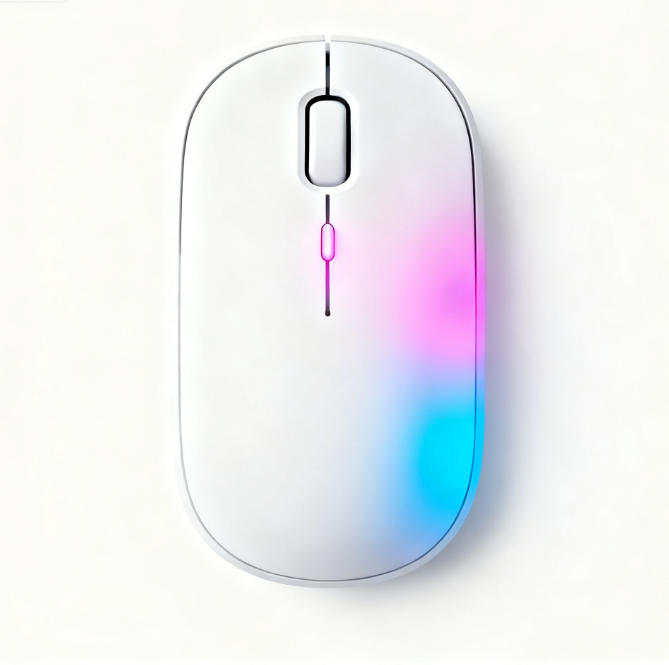
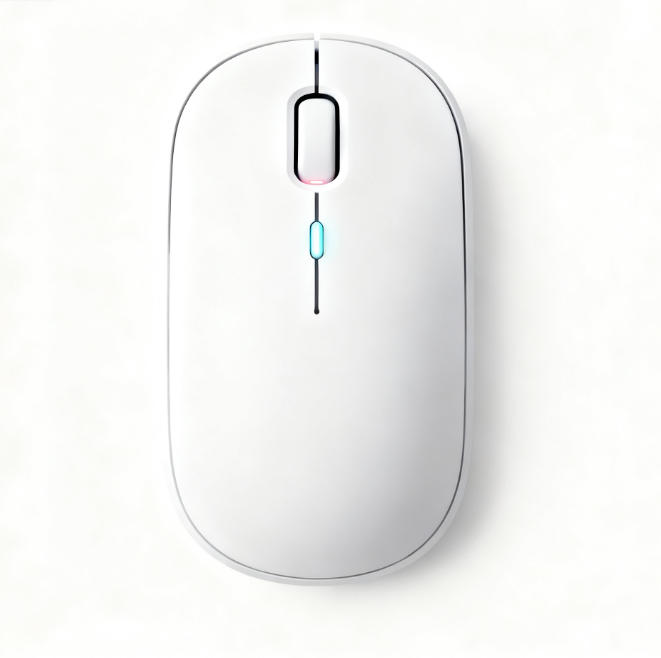
1. Visual Feedback: Incorporate an LED indicator on the wireless fingerprint mouse’s side. It should slow-flash during shallow sleep, remain off during deep sleep, and stay lit after wake-up. This provides clear status visibility.
2. Energy-saving data speaks for itself: Tests show the smart sleep mode extends the wireless fingerprint mouse’s battery life by over 3 times. For instance, standard AA batteries last from one week to one month, highlighting the mouse’s energy efficiency.
3. Scenario adaptation: Future smart learning capabilities could dynamically adjust sleep parameters based on usage habits—like delaying sleep when frequent operations are detected.
The sleep mode design of the wireless fingerprint mouse blends art and science. Through a tiered strategy of 1-minute light sleep and 5-minute deep sleep, we achieve a perfect balance between energy efficiency and user experience. As the old saying goes, “Sharpening the axe doesn’t delay the woodcutting.” This meticulously optimized sleep mode allows the wireless fingerprint mouse to recharge during “rest” and burst into action upon wake-up, delivering a lasting and secure user experience. Choosing a wireless fingerprint mouse with intelligent sleep mode isn’t just about convenience—it’s about efficiency and reliability.
If you’re seeking a wireless fingerprint mouse equipped with advanced sleep technology, explore our latest product line and experience seamless operation powered by innovation!