How does China’s domestically developed UOS operating system implement fingerprint login?
In the era of digital office work, security and convenience are equally important. In the past, logging into computers required entering complex passwords, which was not only cumbersome but also prone to being forgotten. Today, the widespread adoption of fingerprint recognition technology has made logging in much easier. Among domestic operating systems, UOS already supports fingerprint login functionality. This article will explain how to use a wireless fingerprint mouse to enable fingerprint login on UOS systems, making the login process both secure and efficient.
I. What is UnionTech UOS?
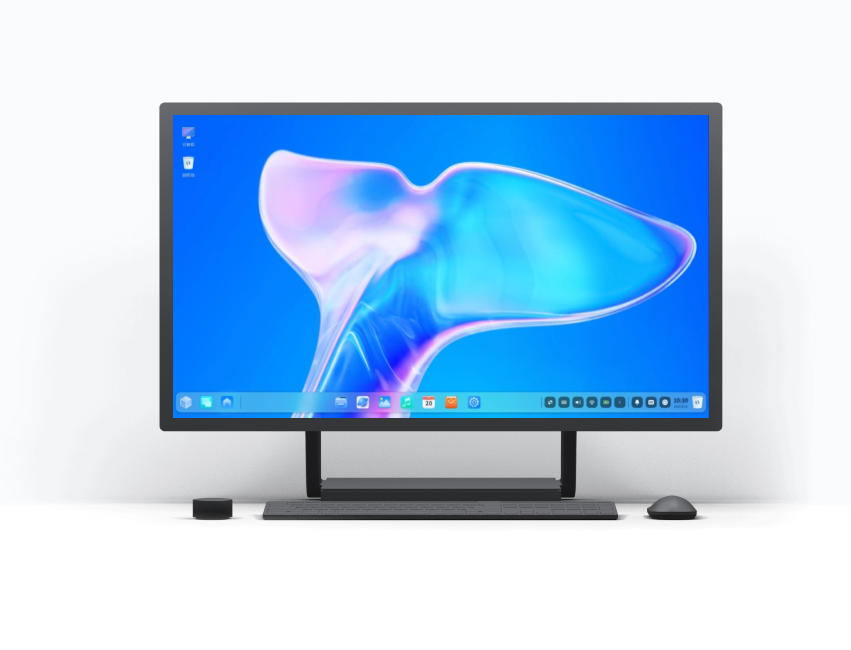
UnionTech UOS (UnionTech Operating System) is a domestically developed desktop operating system widely adopted in government, enterprise, and education sectors. Built on the Linux kernel, it offers robust security and compatibility. UOS aims to replace Windows and macOS, fostering a secure and controllable domestic software ecosystem.
In its latest version, UOS supports multiple authentication methods including facial recognition and fingerprint scanning, catering to diverse user login needs.
II. Why Recommend Fingerprint Login?
Compared to traditional password-based login, fingerprint recognition offers several distinct advantages:
Greater Security: Each person’s fingerprint is unique and virtually impossible to replicate.
Faster Access: Touch to log in instantly, eliminating the need to enter passwords or PIN codes.
Smarter Experience: The system automatically identifies users and loads personalized settings.
Enhanced Convenience: Ideal for corporate offices, shared family computers, and multi-account environments.
For UOS users, fingerprint login not only elevates security levels but also brings the experience of using a domestic operating system closer to—or even surpassing—that of foreign systems.
III. Wireless Fingerprint Mouse: Simplifying Fingerprint Login
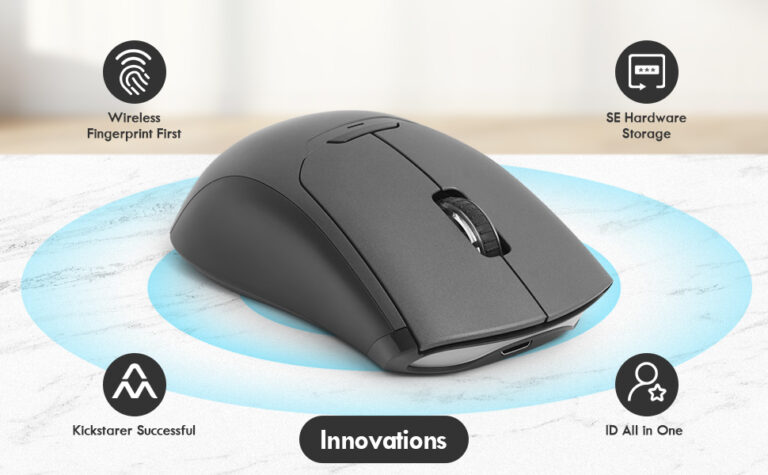
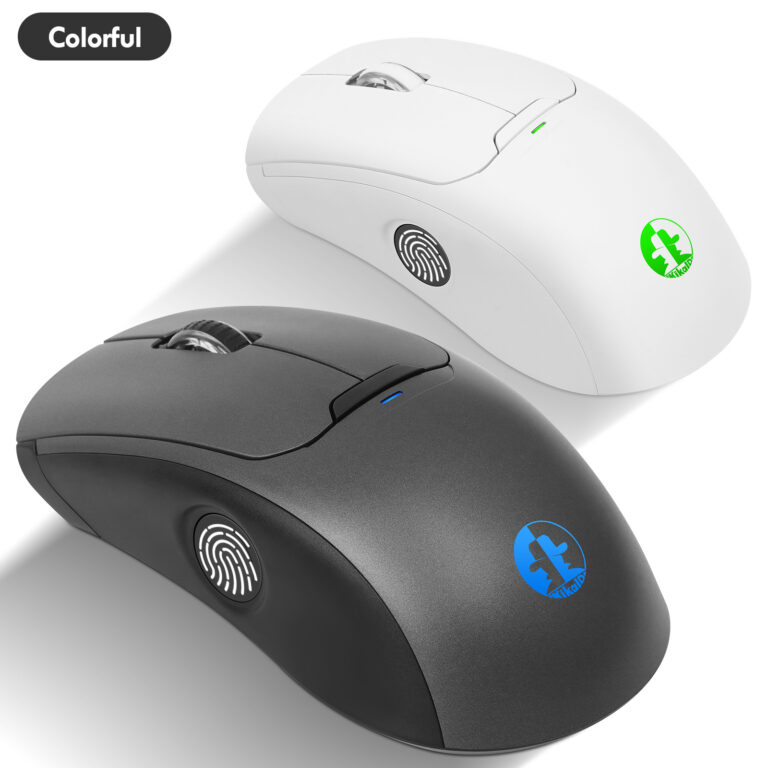
Wireless fingerprint mice compatible with UOS are already available on the market, such as the Kika Secure Wireless Fingerprint Mouse.
Beyond serving as everyday office input devices, these mice integrate high-precision fingerprint recognition modules. After initial fingerprint enrollment, users can log into UOS with a single touch.
Compared to external fingerprint readers, wireless fingerprint mice offer these advantages:
No Additional Hardware: The fingerprint module is built into the mouse, saving desktop space.
Plug-and-Play: Automatic recognition via USB receiver eliminates complex driver installations.
Multi-system compatibility: Supports Windows, Ubuntu, UOS, and other operating systems.
Smart energy efficiency: Utilizes 2.4GHz wireless connectivity and low-power chip design for stable, efficient performance.
IV. Enabling Fingerprint Login in UOS
Configure fingerprint login in UOS by following these steps:
Connect the wireless fingerprint mouse
Insert the wireless receiver into a USB port; the system will automatically detect the device.
Open System Settings
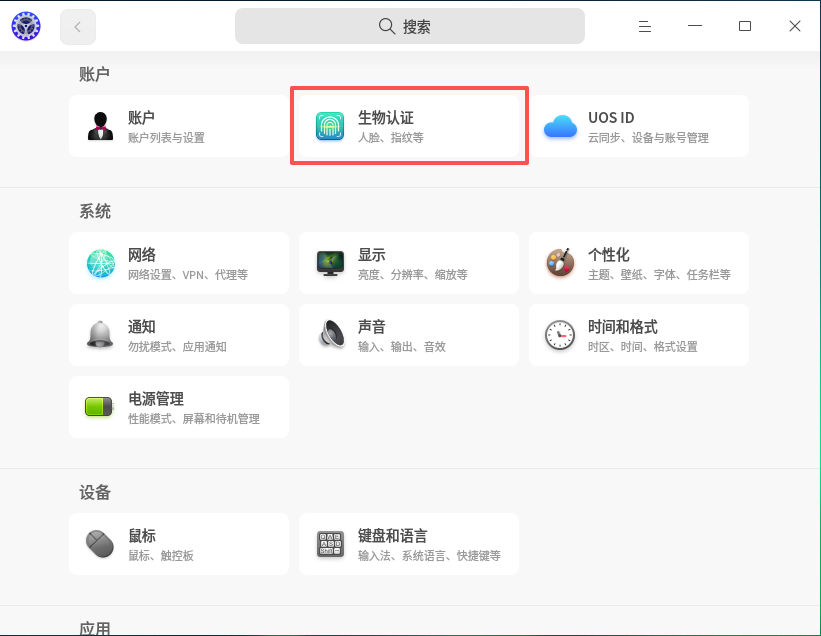
Click the bottom-left menu, navigate to “Control Center” > “Account”.
Add Fingerprint Information
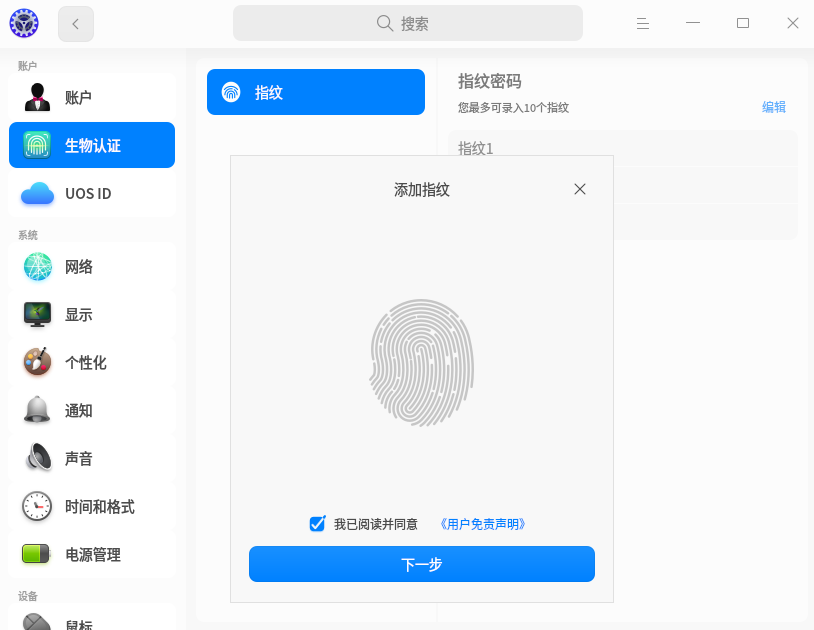
Under Account options, locate “Fingerprint Recognition” and click “Add Fingerprint”. The system will prompt you to place your finger multiple times to complete enrollment.
Enable Fingerprint Login
After enrollment, check “Use fingerprint to log in” to activate the feature.
Test Login
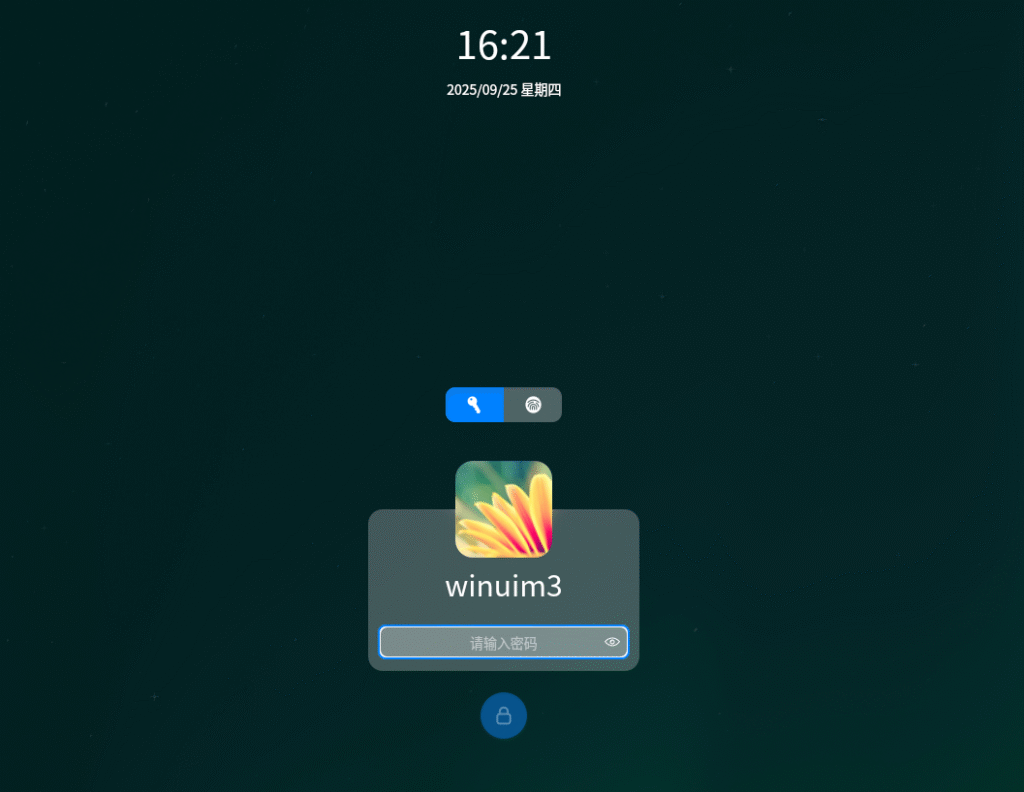
After locking the screen or restarting the computer, touch the fingerprint module on the mouse for instant login. The entire process takes less than 2 seconds with extremely fast response.
V. Common Issues and Solutions
- Fingerprint not recognized?
Ensure your finger is clean and dry, or re-enroll the fingerprint. - System fails to recognize the device?
Update UOS to the latest version or check the driver status in settings. - Compatibility issues?
The QiJia Wireless Fingerprint Mouse has passed mainstream Linux kernel testing. For anomalies, contact customer support for UOS-specific driver assistance.
Smarter, Safer, and More Efficient Logins
The fingerprint login feature in UnionTech UOS marks a new breakthrough in security and convenience for domestic operating systems.
Combined with smart devices like the kika Secure Wireless Fingerprint Mouse, users can experience the technological sophistication of fingerprint recognition while enhancing workplace efficiency and security levels.
In the future, fingerprint login will become a standard feature in domestic systems, with wireless fingerprint mice serving as the key gateway connecting users to their systems.
If you’re using the UOS system, why not try this secure and convenient login method? Make every login effortless.
If your organization uses the UOS operating system and requires customization of our wireless fingerprint mouse, please contact us at hndxzlp@gmail.com.